
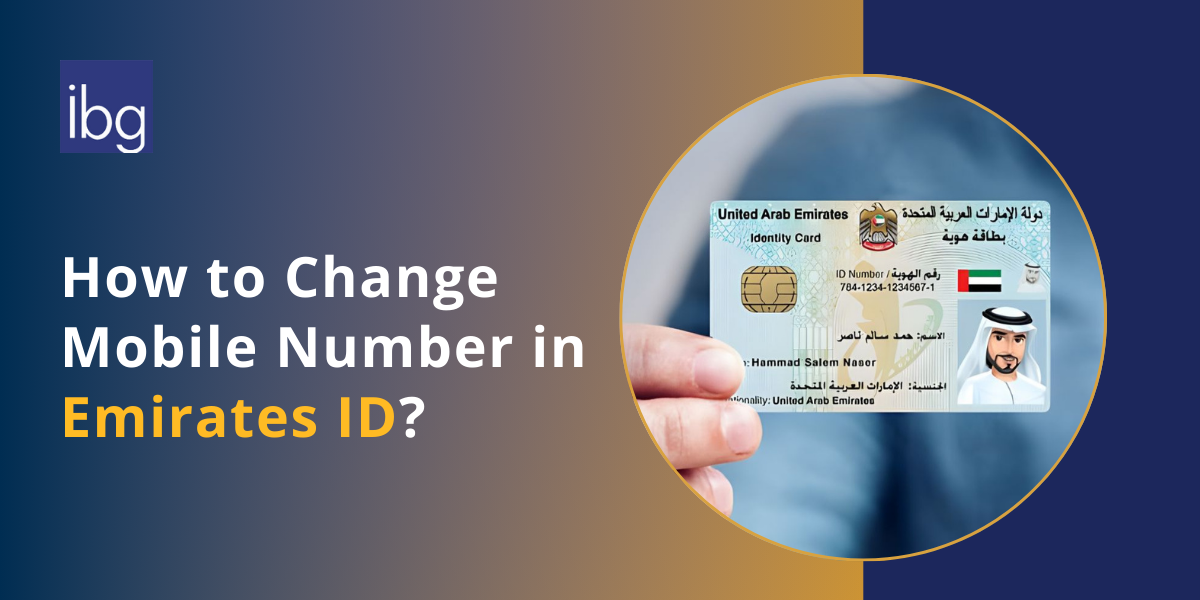
Looking to update your mobile number on your Emirates ID? This guide walks you through all the details you should know and the processes involved. It will help you update your number seamlessly.
Updating your valid and registered mobile number on your ID is essential, as you may need an active mobile number to access various services in the country, such as receiving an OTP for a service.
Understanding Changing Mobile Number in Emirates ID, UAE
When a person changes their mobile number, they are obligated to update it on their Emirates ID. The mobile number in Emirates ID must always be active and correct, so you do not miss important OTPs, bank messages, or government alerts.
If you get a new mobile number, you must update your Emirates ID within one month. This keeps your number linked to your Emirates ID valid and avoids problems with services.
Federal Authority for Identity, Citizenship, Customs & Port Security (ICP)
When to Update Emirates ID Mobile Number
- New SIM card: If you change your SIM, you must update your mobile number.
- Lost phone: If you lose your phone and get a new mobile number, you need to update it.
- Moving to another network: When you switch from one telecom company to another, update your mobile number.
- Expired SIM: If your old SIM is deactivated, you must add the new mobile number.
- Using family number before: If you used your parent’s or spouse’s number and now got your own, you should update it.
- Wrong number on file: If the mobile number on your Emirates ID is incorrect, fix it.
- Work change: If your job or company gave you a new number, update it.
- Privacy reason: If you want to stop using your old number for safety, update your new one.
Where to Complete the Updating Process
- Emirates ID online services on the ICA website.
- The mobile app (UAEICP app).
- In person at a Smart Police Station.
- At an ICP Customer Happiness Center.
What Happens If You Do Not Update Your Number
- Missed SMS codes from banks.
- Trouble logging in to UAE Pass.
- Problems with visa renewals.
- Issues in checking Emirates ID status.
- Service delays in many offices.
Benefits of Updating Your Mobile Number in Emirates ID
While it is obligatory to update your number on the Emirates ID, it benefits you in many ways, such as:
- Stay connected: You will get all OTPs and messages on time.
- Easy banking: Banks send codes to your updated number.
- Smooth visa process: Immigration offices send updates to your mobile.
- Health services: Hospitals and clinics use your number for reminders.
- Government updates: You receive notices and alerts from UAE government.
- UAE Pass login: You can log in easily without issues.
- Avoid problems: No delay or rejection in services.
- Legal requirement: You must update within one month to follow the rules.
- Fast communication: Offices and companies can reach you quickly.
- Peace of mind: You will not miss any important message.
Steps to Update Number to Your Emirates ID
There are several ways through which you can update your new mobile number linked to your Emirates ID. You can pick one for yourself as it suits you:
1. Online through the ICP / ICA website
- Go to the ICP Smart Services website.
- Click on Update Personal Information.
- Enter your Emirates ID number, passport details, and date of birth.
- Type your new mobile number.
- You will get an OTP on the new number to confirm.
- Pay the fee (around AED 50 – 53).
- Wait 2–7 working days for the update.
2. Using the UAEICP mobile app
- Download the UAEICP app.
- Log in with your UAE Pass or Emirates ID.
- Go to Update Information.
- Enter your new mobile number and confirm with OTP.
- Pay the fee online.
- The update is usually done in 2 – 7 days.
3. Smart Police Station (in person)
- Visit the nearest Smart Police Station (SPS).
- Show your Emirates ID and passport number.
- Ask them to update your mobile number.
- The change is done immediately and is often free.
4. ICP Customer Happiness Center
- Visit the nearest ICP office.
- Take your Emirates ID and passport with you.
- Fill out the request form for mobile number change.
- Staff will update your details.
- The update is usually completed in 1 – 2 days.
Processing Details While Updating Your Emirates ID
If you update your mobile number online or through the mobile app, the fee is around AED 50 – 53. Processing usually takes 2 to 7 working days. At an SPS, the update request may be done instantly.
After you submit the request, you will receive a reference number. You can use the reference number to check the status of your Emirates ID and see if the update is finished. While changing your mobile number, the registered number must be under your own name. A mobile number linked to your Emirates ID cannot belong to another person. This ensures security and correct information.
Frequently Asked Questions (FAQs)
1. How can I update my Emirates ID online?
You can update your UAE mobile number by visiting the official ICP Smart Services portal. The system allows you to enter your details and finish the Emirates ID update process without visiting a center.
2. Can I use the ICA for changing my number?
Yes, you can use the ICA services or ICP website to complete the change. Both platforms help Emirates ID holders update their details and keep records correct.
3. How do I update personal number in Emirates ID on internet?
To update the UAE mobile, log in to the website or mobile app, fill in your data, and confirm the mobile number in your Emirates with an OTP.
4. Why is linking your phone number important?
Linking your phone number is necessary because the number in your Emirates ID is used for OTPs, healthcare, and banking. Without it, many services cannot proceed.
5. How can I add a phone number to your Emirates ID?
You must enter your Emirates ID number, passport number, and other details to connect the correct phone number to your Emirates for official use.
6. Why do Emirates ID matters in updating numbers?
Emirates ID matters because it is linked to all services in the United Arab Emirates. Any change to your contact must be updated to avoid delays.
7. How do I check if my registered mobile number is correct?
You can verify if your registered mobile number is active by logging into the official system. If the number is outdated, you need to change it quickly.
8. What is the process to update mobile number in Emirates ID?
To update mobile number, follow the steps to update your mobile: log in online, provide your data, confirm with OTP, and pay the fee. This keeps your information – update valid.
9. Can I change my registered mobile number in Emirates ID?
Yes, you can change your mobile number easily. The system will ensure the mobile number in your Emirates ID is correct so you can keep your Emirates ID valid.
10. What if I recently changed my Emirates ID number?
If you changed your Emirates ID number or id application details, you must also keep your mobile number updated. This ensures all emirates id details are correct and official records match.
